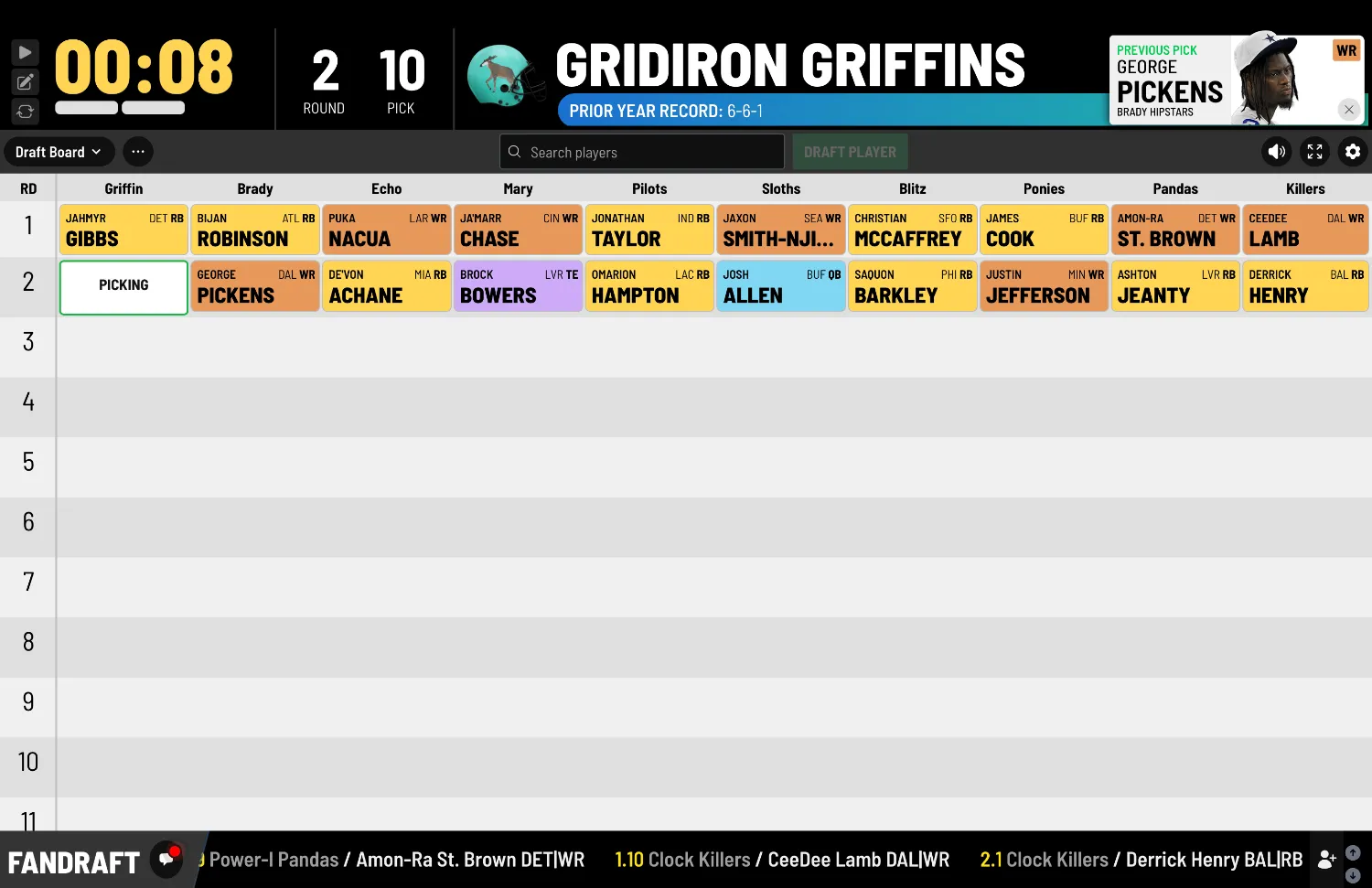
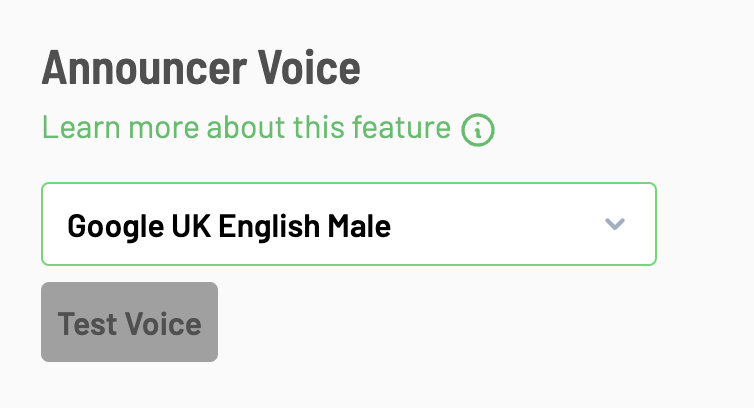
New Addition: Change Voice Announcer in the Audio/Video setup area
The commissioner can now go to the Audio/Video setup area to change the voice used for the Voice Announcer.
We will now be posting details about any new update, change, feature addition to the FanDraft Blog. Make sure to follow this Blog to learn the details about any of our newest changes.
Change Voice Announcer before the draft
The commissioner can now go to the Audio/Video setup area to change the voice used for the Voice Announcer.
This will allow you to cycle through all of the various options, test the voice, and determine ahead of time which is most suitable for you.
FanDraft’s “Voice Announcer” feature is based on Text-To-Speech (TTS) technology, driven by software that part of your computer’s operating system. Not all TTS voices are the same on each browser and computer.
Recommendation: For the best quality, we recommend the “Google US English” or “Google UK English” voice options, which are found towards the bottom of the drop-down list.
See it on your big screen
Create a free account and run a mock draft tonight.
Want these articles sent to your inbox?
Subscribe on Substack →